Laptop Service Near Me in Bangalore: Fast, Trusted Repair You Can Rely On
Show Image
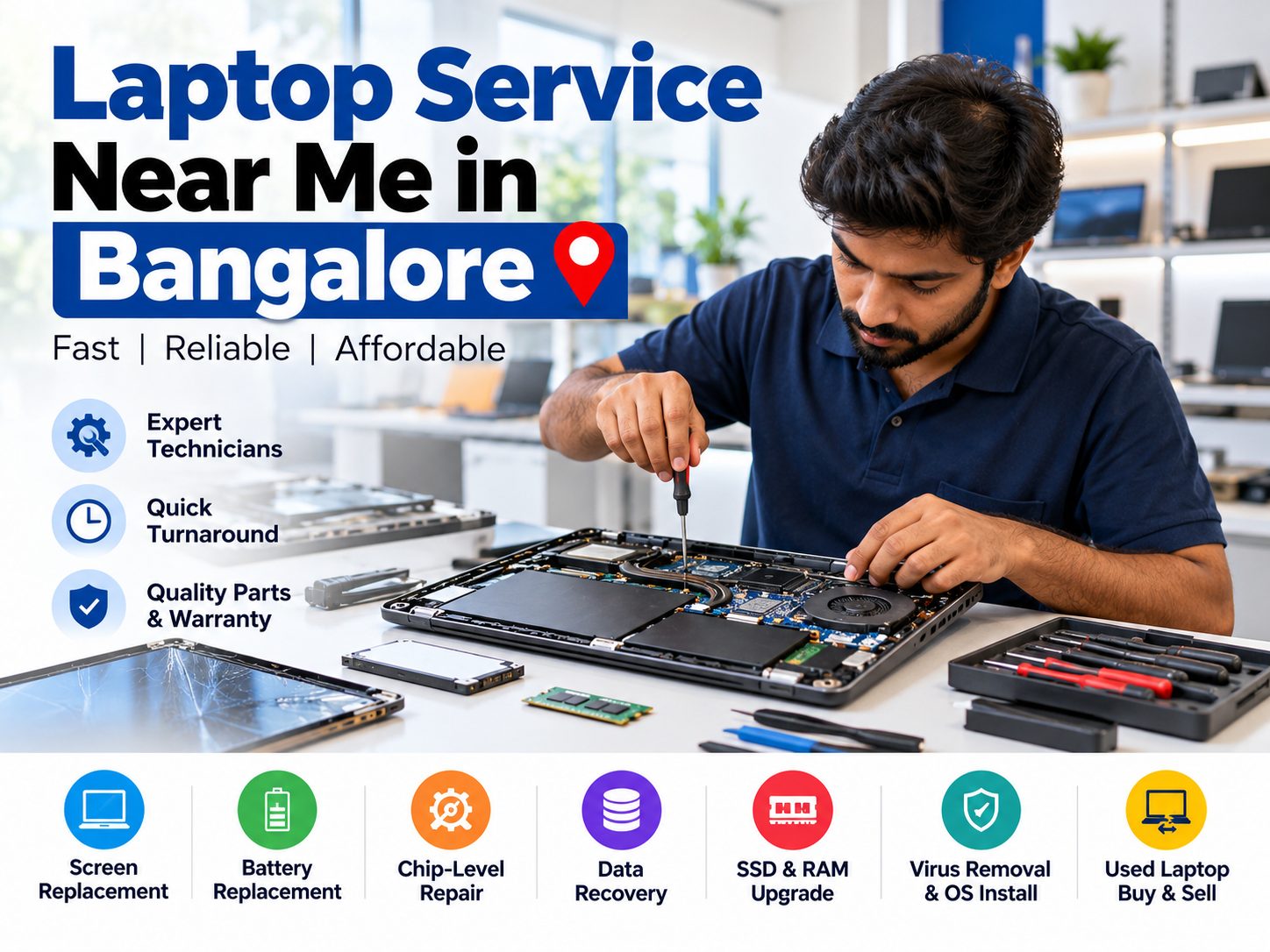
Alt text: laptop service near me in Bangalore, technician at Xpress PC Service repairing a laptop motherboard
Laptop service near me in Bangalore is one of the most common searches when a laptop freezes, overheats or refuses to switch on. You need a fix that is quick, honest and close to home.
At Xpress PC Service, we repair laptops for students, professionals and small businesses across North Bangalore. This guide helps you choose a repair partner with confidence.
Need help right now? 👉 Book a laptop service today
Table of Contents
- Signs You Need Laptop Service Near Me in Bangalore
- What Our Laptop Service in Bangalore Covers
- How to Choose the Best Laptop Service Near Me in Bangalore
- Cost and Time Guide
- Laptop Service Near Me in Bangalore by Area
- Our Process
- Why Customers Trust Us
- Tips Before You Visit
- FAQs
Signs You Need Laptop Service Near Me in Bangalore
Most laptop problems give a warning first. Catching them early saves money and protects your files.
Warning signs you should not ignore
- The laptop is slow, hangs or restarts on its own
- The fan is loud or the base gets very hot
- The battery drains within an hour
- The screen flickers, shows lines or is cracked
- The laptop does not turn on or charge
- Pop-ups, strange apps or suspected viruses appear
- Keys, touchpad or ports stop working
If two or more of these sound familiar, book a checkup soon. Delays can turn a small fault into a motherboard issue.
What Our Laptop Service in Bangalore Covers
Good laptop service near me in Bangalore should cover hardware, software and data. Here is what Xpress PC Service handles.
| Service | What it solves | Learn more |
|---|---|---|
| Screen replacement | Cracked, dim, flickering or lined displays | Screen replacement |
| Battery replacement | Fast drain, swelling, no backup | Battery replacement |
| SSD and RAM upgrade | Slow boot, lag, multitasking issues | SSD and RAM upgrade |
| Chip-level repair | Dead laptop, no display, no charging | Chip-level repair |
| Virus removal and OS install | Malware, crashes, Windows errors | Virus removal and OS install |
| Data recovery | Deleted or inaccessible files | Data recovery |
| Used laptop buy and sell | Affordable, tested laptops | Used laptop buy and sell |
See everything on our services page.
All major brands supported
We service Dell, HP, Lenovo, Asus, Acer and more. Bring your laptop and we will diagnose it first.
How to Choose the Best Laptop Service Near Me in Bangalore
Not every shop is equal. Use this checklist before you decide.
7 things to check before you hand over your laptop
- Clear diagnosis first. A good shop explains the fault before starting work.
- Upfront pricing. You should know the cost before approving a repair.
- Genuine or quality parts. Ask which parts are used.
- Written warranty. Ask for it on parts and service.
- Data safety. Your files should stay private.
- Real reviews. Check recent Google reviews, not just ratings.
- Nearby location. Pickup, drop and follow-up are easier close by.
India’s government Right to Repair portal also offers repair information and manufacturer guidance for many products.
Want a transparent quote? 👉 Contact Xpress PC Service
Cost and Time Guide for Laptop Service Near Me in Bangalore
Prices depend on your model and fault. This table shows typical turnaround so you can plan ahead.
| Repair type | Typical time* | Cost depends on |
|---|---|---|
| OS reinstall and virus cleanup | Same day | Data size, OS version |
| Battery replacement | Same day to 1 day | Model, battery availability |
| SSD / RAM upgrade | Same day | Capacity and type |
| Screen replacement | 1 to 2 days | Screen size and panel type |
| Data recovery | 1 to 3 days | Drive condition |
| Chip-level repair | 2 to 5 days | Fault complexity |
*Indicative times. Final estimate after diagnosis. [Update with your real pricing and timings before publishing.]
Repair or buy new?
Repair usually makes sense if the fix costs less than about 40 to 50 percent of a new laptop. An SSD upgrade alone can make a 4-year-old laptop feel new. Not sure? Ask our technicians for an honest opinion.
Laptop Service Near Me in Bangalore by Area
We serve North and Central Bangalore. Find your nearest area page below.
Show Image
Alt text: laptop service near me in Bangalore, Xpress PC Service coverage across RT Nagar, Hebbal and nearby areas
Areas we cover
- Muneswara Nagar
- K.G. Halli
- Shampura / Shampur
- Kaval Byrasandra
- RT Nagar
- Nagawara
- Benson Town
- Frazer Town
- Kammanahalli
- Hebbal
- All of Bangalore
Browse every area on our locations page.
Our Process for Laptop Service Near Me in Bangalore
Simple, transparent and quick.
Five easy steps
- Contact us. Call or book online.
- Free diagnosis. We find the real cause.
- Clear quote. You approve before we start.
- Repair and testing. We test every function.
- Handover. You get the laptop back with a service note.
Why Choose Us for Laptop Service Near Me in Bangalore
Experience. Our technicians handle everyday faults and complex motherboard repairs. [Add years of experience, repairs completed and technician certifications.]
Expertise. We cover software, hardware and data under one roof, from virus removal to chip-level repair.
Authoritativeness. We are a locally rooted business serving North Bangalore. Learn more about us.
Trust. Upfront quotes, careful data handling and honest advice, even if that means “you don’t need this repair.”
[Add 2 to 3 real customer reviews with initials and area, plus your Google rating.]
Ready for a hassle-free repair? 👉 Get your laptop checked now
Quick Tips Before Visiting a Laptop Service Near Me in Bangalore
A little preparation speeds up the repair.
Your pre-visit checklist
- Back up important files if the laptop still boots
- Note any error messages and when the problem began
- Carry your charger
- Remove personal accessories and memory cards
- Know your Windows login password
For backup basics, see Microsoft’s official Windows support. If your drive is already failing, stop using it and read about our data recovery service.
FAQs: Laptop Service Near Me in Bangalore
How do I find a reliable repair shop?
Check recent reviews, ask for a written quote and confirm warranty terms. A local shop with a clear process is a good sign.
How long does laptop service take?
Software fixes and upgrades are often same day. Screen and chip-level repairs take longer.
Is my data safe during repair?
We handle your device with care. Still, always keep a backup where possible.
Can you upgrade my slow laptop instead of replacing it?
Often yes. An SSD or RAM upgrade can improve speed noticeably.
Do you buy or sell used laptops?
Yes. See our used laptop buy and sell page.
Final Words on Laptop Service Near Me in Bangalore
Choosing the right laptop service near me in Bangalore comes down to honesty, speed and skill. Xpress PC Service brings all three to your neighbourhood.
📞 Call or book your laptop service now
Or explore our blog for more laptop care tips, or return to the Xpress PC Service homepage.