
Xpress PC Service

Laptop SSD upgrade in Bangalore and RAM upgrade in Bangalore
Laptop Speed Optimization Hub

Make Your Machine Fast Again with SSD upgrade in Bangalore

A professional SSD upgrade in Bangalore paired with RAM upgrade in Bangalore turns sluggish performance into instantaneous boot times, smooth multitasking, and extended machine lifespan at a fraction of buying new hardware.

Certified Speed Specialists

Certified SSD upgrade in Bangalore & RAM upgrade in Bangalore with Zero Diagnostic Fees

A high-performance drive installation is the most effective hardware modification for eliminating boot delays, app freezes, and spinning disk bottlenecks. Welcome to Xpress PC Service — your top-tier local workshop. Learn more about our expert lab or browse our complete array of laptop repair solutions. We deliver reliable SSD upgrade in Bangalore solutions alongside precision RAM upgrade in Bangalore using high-speed NVMe M.2 drives and DDR4/DDR5 modules for Dell, HP, Lenovo, Acer, Asus, Apple MacBook, and MSI systems across Bengaluru.

Signs your laptop needs an upgrade

Is Your Laptop Slowing You Down?

If your machine suffers from any of these performance bottlenecks, scheduling a service check will restore full speed.

Slow to Boot

Takes several minutes to power on, fully solved by an SSD upgrade in Bangalore.

Freezes & Lags

Stutters when opening programs, resolved through a professional RAM upgrade in Bangalore.

Storage Disk Full

Constant low space alerts eliminated with expanded solid-state storage capacity.

High Memory Usage

System slows to a crawl with multiple browser tabs open simultaneously.

Outdated Mechanical HDD

Old mechanical drive replaced with modern solid-state technology.

Heavy Workload Struggles

Rendering and multitasking accelerated by combining storage and memory enhancements.

Performance Matrix

Hardware Specification Comparison

Review storage drive types, memory speeds, and expected speed gains.

Upgrade Type Hardware Bus Standard Recommended Fix Performance Gain
2.5-inch SATA SSD SATA III (6 Gbps) SSD upgrade in Bangalore 5X Faster Boot
M.2 NVMe PCIe Gen 4 SSD PCIe 4.0 x4 (Up to 7000 MB/s) High-Speed Drive Fitting 12X Faster Loading
DDR4 / DDR5 SODIMM Memory 3200MHz to 5600MHz Bus RAM upgrade in Bangalore Zero Browser Lag
Dual Storage & Memory Combo NVMe + High-Speed Dual Channel RAM Full System Modification Complete Workstation Overhaul
Hardware Bench Insights

Understanding Storage Architecture & Memory Bandwidth

Technical parameters, transfer protocols, and bench migration methods used by our workshop engineers.

SATA III vs. PCIe NVMe M.2

Legacy SATA III interfaces top out at 550 MB/s read speeds, whereas modern PCIe Gen 4 NVMe M.2 drives achieve transfer rates up to 7000 MB/s for instantaneous file loading.

DDR4 vs. DDR5 SODIMM Standards

Upgrading from single-channel DDR4 (3200MHz) to dual-channel DDR5 (5600MHz) doubles memory bandwidth, eliminating application stutter during heavy multitasking.

Bit-for-Bit System Migration

Hardware bench cloning replicates your entire operating system partition, recovery sectors, software activations, and personal files with zero software reinstallations.

Thermal & Power Optimization

Thermal Throttling Protection & Power Consumption Audits

High-speed M.2 NVMe drives generate concentrated heat during prolonged read/write operations. Our technical team fits custom copper thermal pads and aluminum heat spreaders during installation. Additionally, replacing mechanical drives with solid-state memory lowers power draw, leading to improved battery efficiency and cooler operating temperatures across your entire laptop chassis.

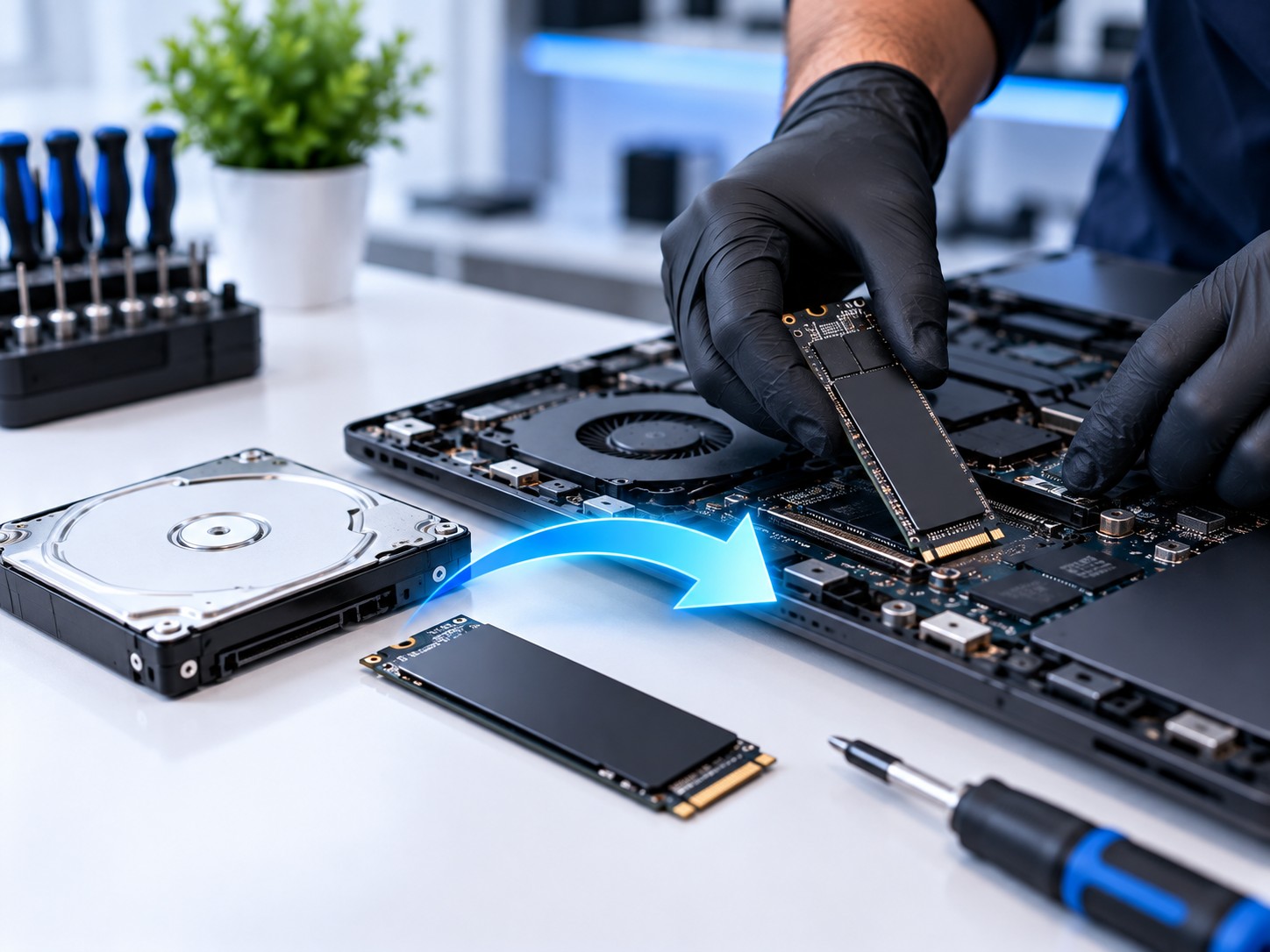
SSD upgrade in Bangalore
Precision Hardware Bench

Flawless Bench Operations & Drive Installation

At Xpress PC Service, we stock original NVMe solid-state drives and high-frequency memory modules. Our experienced technicians perform every SSD upgrade in Bangalore using anti-static protocols to guarantee maximum data transfer speeds and zero stability errors.

Whether you need high-capacity 1TB/2TB NVMe drives or high-speed 16GB/32GB DDR5 modules, our operations align with international manufacturing guidelines certified by the International Organization for Standardization (ISO) and electrical compliance standards set by the Bureau of Indian Standards (BIS). For comprehensive maintenance, inspect our laptop battery replacements or evaluate our screen replacement services.

Memory Architecture

High-Speed Memory Expansion Services

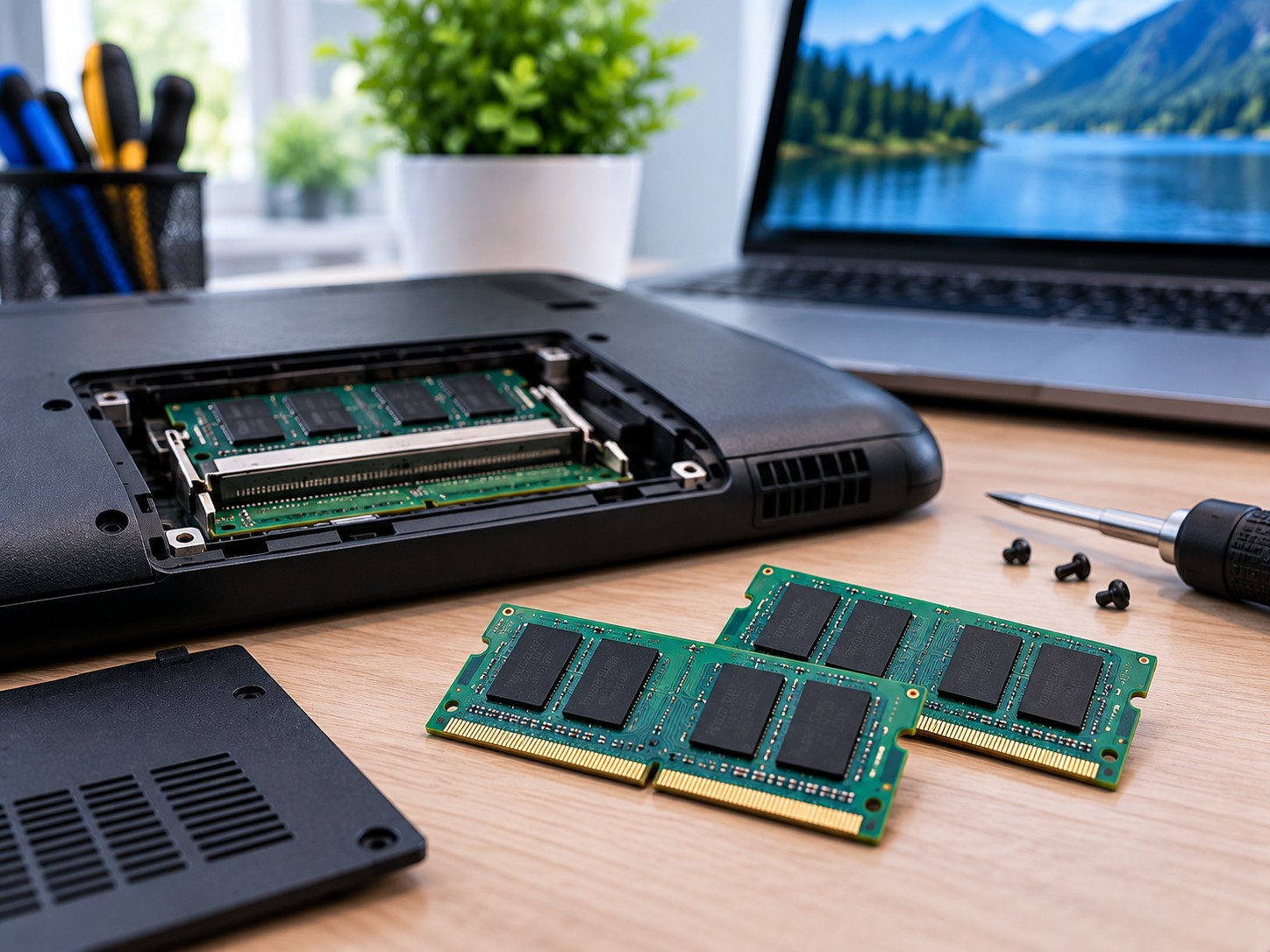
Executing a targeted RAM upgrade in Bangalore expands your laptop's memory bandwidth, enabling smooth multi-application workloads, seamless browser session management, and faster rendering in graphic applications.

When combined with modern solid-state storage, your laptop achieves optimal system balance. If your machine suffered software issues during drive degradation, we also offer OS installation and virus removal solutions as well as expert data recovery services.

RAM upgrade in Bangalore
Workflow

3 Steps to Transform Your Laptop Speed

1

Compatibility Check

We verify your laptop motherboard slot type and maximum supported RAM capacity before installation.

2

Upgrade & Clone

We fit premium components and clone your existing system so no files, settings, or applications are lost.

3

Tuned & Returned

Read/write performance and memory stability are benchmarked before handing back your laptop same-day.

Hardware Optimization Engineers

Unlock True Speed with SSD upgrade in Bangalore

A sluggish computer impedes productivity and causes unnecessary frustration, but securing an SSD upgrade in Bangalore is far more economical than purchasing an entirely new machine. Replacing an old mechanical hard drive with a solid-state drive reduces boot times from minutes to mere seconds. Pairing this modification with a memory expansion allows your system to handle resource-heavy applications and endless browser tabs seamlessly.

At Xpress PC Service, we complete certified hardware modifications for all major manufacturers, including Dell, HP, Lenovo, Acer, Asus, Apple MacBook, and MSI. We test motherboard bus speeds, storage expansion slots, and thermal dissipation paths before selecting components to ensure long-term stability.

SSD vs. RAM: What Does Your Laptop Need?

Upgrading storage delivers the most noticeable overall speed boost — accelerating system startup, software launching, and file transferring. Adding a RAM upgrade in Bangalore provides the necessary headroom if you run memory-intensive software or multitask heavily. Combining both upgrades breathes new life into aging hardware.

Zero Data Loss with Sector-by-Sector Cloning

Concerned about losing your personal files or reinstalling software? Our technical lab performs exact drive cloning, copying your operating system, license keys, configurations, and personal data directly to the new solid-state drive. Hardware servicing follows static control standards established by EOS/ESD Association Standards.

Transparent Guarantees & Genuine Parts

Every solid-state drive and memory module installed at our workshop comes backed by full manufacturer warranties. We run comprehensive benchmark tests on read/write speeds and memory access before returning your system.

Explore Additional Workshop Solutions

While visiting us for laptop servicing, feel free to review our full range of hardware services:

Find store directions on our service locations page, read hardware advice on the XpressPC blog, or contact our support team on our contact page.

FAQ

Frequently Asked Questions

Will an SSD upgrade in Bangalore really make my laptop faster?

Yes, significantly. Replacing a mechanical hard drive with a solid-state drive boosts boot times and application loading by up to 10 times.

Do I need more RAM or an SSD upgrade in Bangalore?

Installing an SSD improves overall startup and app launching speed, whereas a RAM upgrade in Bangalore allows smoother multitasking. Doing both delivers optimal results.

Will I lose my personal data during a drive upgrade?

No. We clone your existing hard drive to the new solid-state drive so Windows, programs, and personal files carry over exactly as they were.

Can every laptop undergo hardware upgrades?

Most laptops support storage and memory upgrades. We perform a free compatibility check to confirm available M.2 or SATA slots before installation.

How much memory should I add during a RAM upgrade in Bangalore?

8GB is ideal for daily tasks, while 16GB or 32GB is recommended for heavy multitasking, video editing, and gaming.

How long does a hardware upgrade take?

Most upgrades, including data cloning, are completed same-day, often within 1 to 2 hours.

Book Now

Schedule Your SSD upgrade in Bangalore

Fill in your laptop details below to open a direct WhatsApp enquiry. We will confirm drive options, exact cost, and repair timing immediately.

  • Genuine NVMe SSDs & RAM modules
  • Free compatibility check & transparent quotes
  • Complete data cloning with zero file loss

Or call us directly at 74110 82788

Hardware Bench Insights

Understanding Storage Architecture & Memory Bandwidth

Technical parameters, transfer protocols, and bench migration methods used by our workshop engineers.

SATA III vs. PCIe NVMe M.2

Legacy SATA III interfaces top out at 550 MB/s read speeds, whereas modern PCIe Gen 4 NVMe M.2 drives achieve transfer rates up to 7000 MB/s for instantaneous file loading.

DDR4 vs. DDR5 SODIMM Standards

Upgrading from single-channel DDR4 (3200MHz) to dual-channel DDR5 (5600MHz) doubles memory bandwidth, eliminating application stutter during heavy multitasking.

Bit-for-Bit System Migration

Hardware bench cloning replicates your entire operating system partition, recovery sectors, software activations, and personal files with zero software reinstallations.

Thermal & Power Optimization

Thermal Throttling Protection & Power Consumption Audits

High-speed M.2 NVMe drives generate concentrated heat during prolonged read/write operations. Our technical team fits custom copper thermal pads and aluminum heat spreaders during installation. Additionally, replacing mechanical drives with solid-state memory lowers power draw, leading to improved battery efficiency and cooler operating temperatures across your entire laptop chassis.

Used Laptop Buy/Sell